ChatGPT
ChatGPT is an OpenAI chatbot which is to offers quick responses to diverse tasks

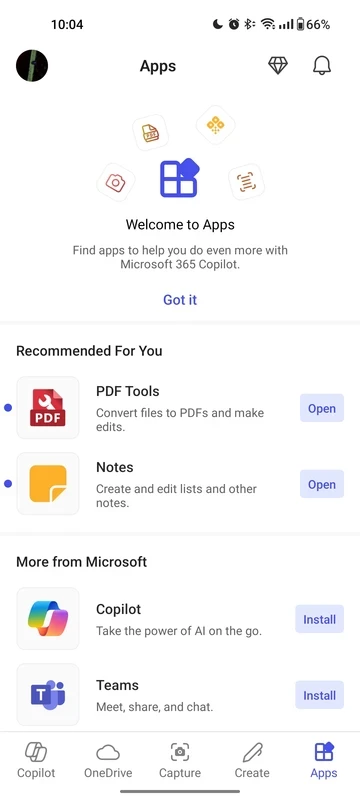
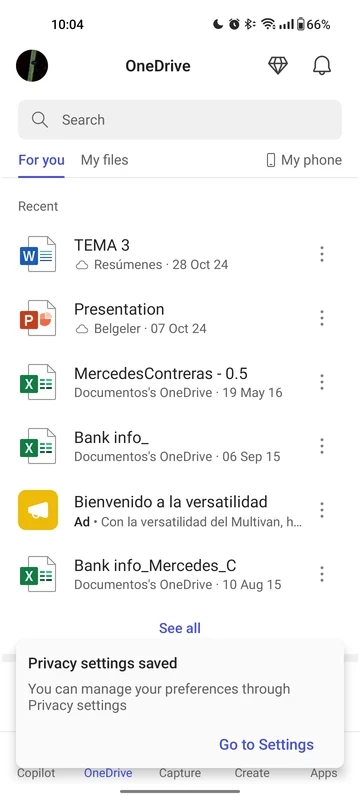

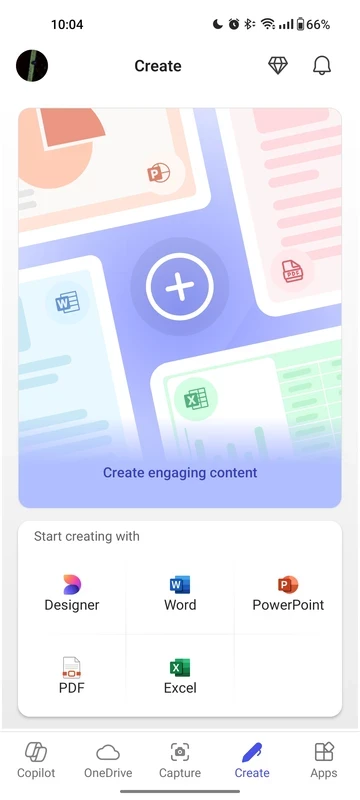
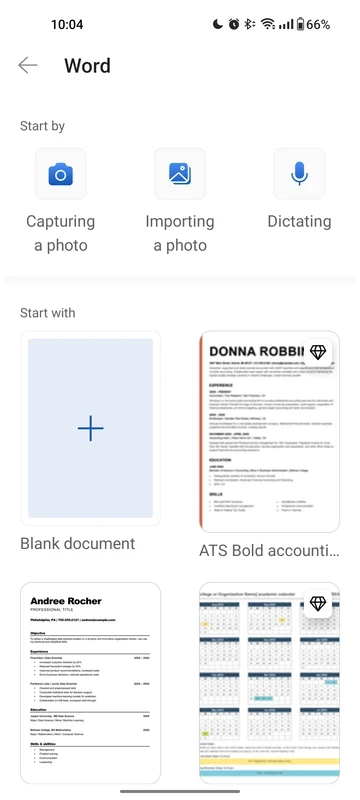
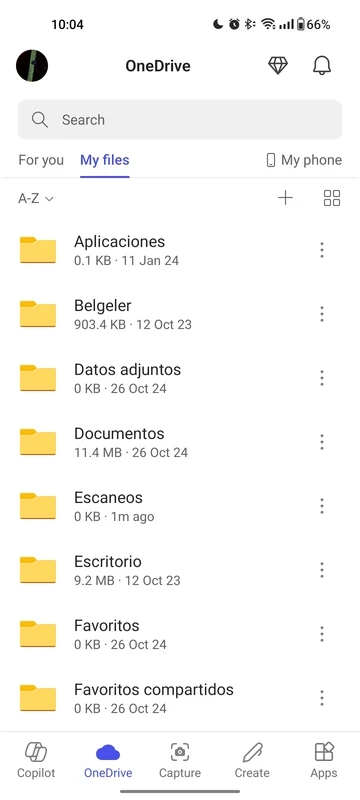
Microsoft 365 Copilot is a productivity app based on artificial intelligence, allowing users to optimize their productivity, regardless of whether they use it for personal or professional purposes. You can chat with Copilot through prompts, and avail services with the power of AI capabilities.
Microsoft 365 Copilot is a cross-platform that offers seamless services for all types of devices, such as editing, scanning, writing, image generating, and giving answers to your questions as well. It is also integrated with multiple Microsoft Office 365 productivity apps to manage your personal as well as office tasks more reliably.
Microsoft 365 Office Copilot was developed by a division of Microsoft, named Microsoft AI, that is based on large language models of OpenAI such as GPT-4 and GPT-5 series. It has replaced Cortana and was released in 2023 as a built-in feature of Microsoft Bing and Microsoft Edge.
The Android version of Copilot provides a game-changing functionality; specifically operate day-to-day transactions for corporate users. No need to wait for a desktop or a laptop, instead save your time and effort while handling your creative and urgent stuff more reliably.
Microsoft 365 Copilot offers seamless integration for productivity apps installed on your phone, such as MS Word, MS Excel, etc, so no need to install Office’s productivity apps separately. Move to Copilot to reliably manage your different tasks, such as;
On Android devices, Copilot has made collaboration simple and efficient, as it allows co-authoring for documents, creating presentations, and illustrating results while using real-time graphs and spreadsheets. No need to physically present at the location, and cohesively carry your projects to make the critical decision while incorporating all officials from lower to higher.
Copilot for Android can make your workflow quick and effective, as it allows users to remain relevant to the contextual reasoning. It offers effortless guidance as well as suggestions related to your work, such as getting accuracy while performing arithmetical operations, and other mathematical suggestions for reviewing a payroll sheet.
You can also use Copilot for generating awesome text, such as give prompt about summarizing a document while importing from the cloud, or your phone, drafting an email, or analyzing a spreadsheet while using natural language. You not only give written prompts to Copilot, but also talk to this innovative utility for brainstorming your ideas. In addition, multiple accessibilities are also available, such as screen reader compatibility, personalizing your interface, and so on.
The handling of PDFs is also available within the utility, and you can perform multiple operations related to PDFs more reliably, such as scanning and converting to Word documents while using the PDF converter, editing PDFs in the way you like, and also offers a PDF Reader for accessing and signing PDFs.
This built-in facility within Copilot for Android offers tailor-made solutions according to the situation you are using it for, such as manufacturing, administration, analytics, etc. For example, you can use your Android with Copilot for checking the temperature in any specific area, or scheduling the required pharmaceutical drugs for a particular day of the week, and so on.
The app also offers end-to end encryption, multi-factor authentication, and stringent access controls, etc for fool-proof safety of your most sensitive information. You can confidently carry on with Copilot for managing your confidential data, as it offers corporate-level security policies and enables organizations to reliably make their transactions and other sensitive functions as well.
Pros
Cons

ChatGPT is an OpenAI chatbot which is to offers quick responses to diverse tasks

Google Gemini AI-powered content right on your smartphone

PayPal enables users to transfer money securely and safely within a trusted digital wallet.

Android Auto for smart, safe driving while staying connected on the road

Perplexity AI-powered search companion asks more, and gets detailed information

U-Dictionary is a unique language-learning companion with multi-mode translations